AI Live Photo Maker
Talking photo AI
Upload a portrait, type what it should say, and the AI gives it a voice and moves the lips to match. Greetings, avatars, family photos — in your browser.
Talking photos: $4.99 for 2 talking photos on your first purchase, paid once, no subscription.
Made with this tool
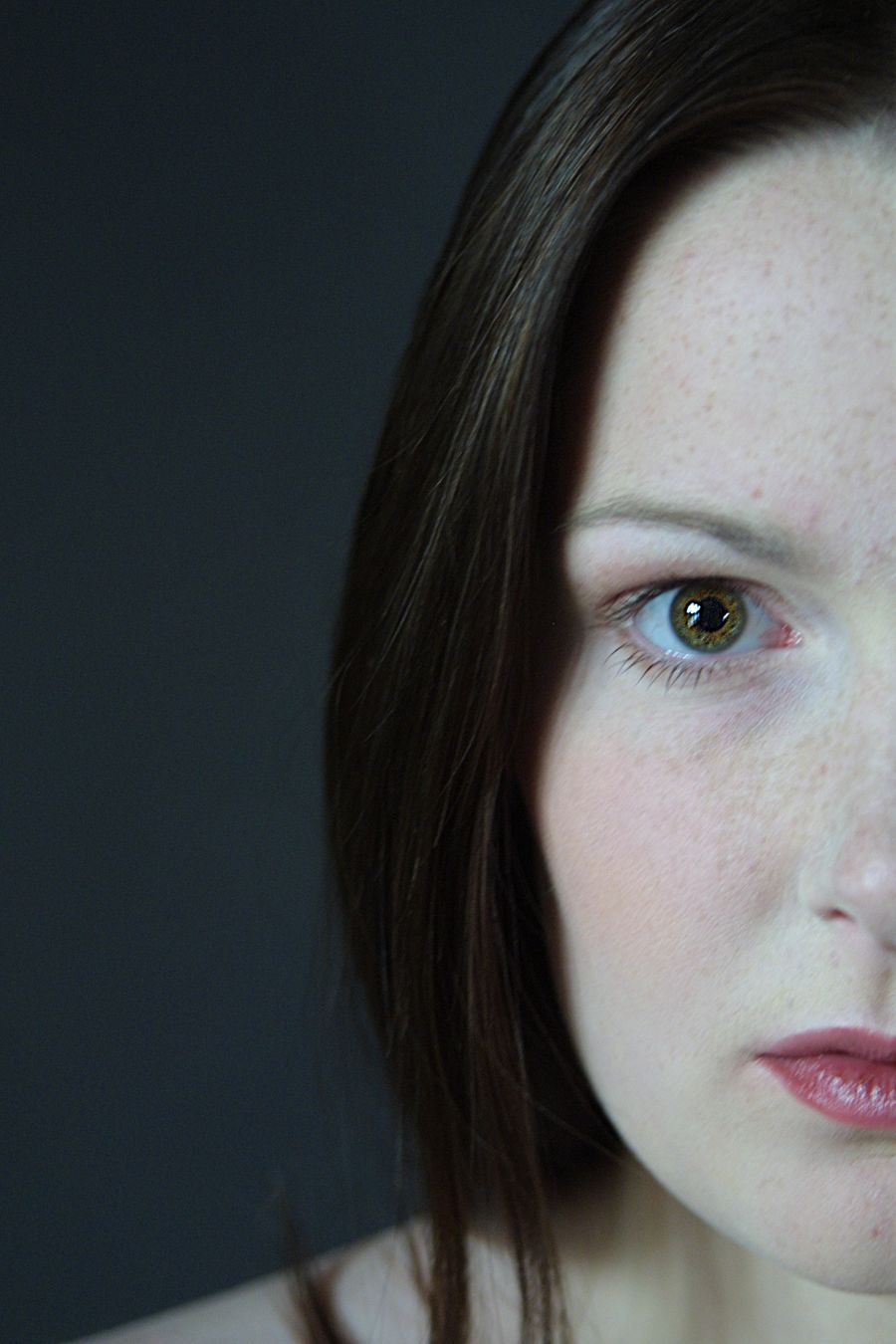
A still portrait speaking a typed message, lip-synced — made with this tool. Tap Sound to hear it.
Choose a clear front-facing portrait.
Type the words the photo should say.
Get your talking video in a few minutes.
What a talking photo AI actually does
LivePhotoNow is a talking photo AI: upload a portrait, type a short message, and the AI generates a voice and lip-syncs the mouth to the words, so your photo appears to speak. It runs in your browser with no app to install, and you download a clean, watermark-free video.
A talking photo makes any message more personal — a birthday or holiday greeting, a talking avatar, a fun clip, or a teaching character that speaks. A clear, front-facing portrait with the full face visible gives the cleanest lip-sync, and good lighting helps.
It works on iPhone, Android, Windows and Mac. Make a picture talk, download the MP4, and share it anywhere. Credit packs start at $4.99, with no subscription.
How it works, step by step
Two AI models run one after the other. The first turns your typed script into speech in the voice you picked. The second is a lip-sync model: it reads that audio and generates new frames of your photo in which the mouth, jaw, cheeks and eyes move with the words. Because the motion is generated from the sound, a longer sentence produces a longer clip and the pauses land where your punctuation puts them.
That is why it takes a few minutes rather than seconds, and why you can close the tab while it runs: we email you when the video is ready.
Choosing a photo that lip-syncs well
- One person, facing the camera. A face turned more than about a quarter to the side gives the model too little mouth to animate.
- Mouth closed or slightly open, lips visible. Hands, microphones, masks or a heavy beard over the lips make the sync look smeared.
- Even light on the face. A face half in shadow often comes out with a flickering jaw.
- The photo must be at least 300 pixels on each side, and more is better. Old scans and screenshots work, but low resolution shows up most around the teeth.
- Crop out other people. With a group photo the model has to guess which face should speak, so crop to the one you want first.
- Pets and drawn characters can work when the face is front-on with a clear muzzle or mouth, but results vary more than with people.
Writing a script that sounds natural
You have 180 characters, which is roughly 12 to 15 seconds of speech. One or two short sentences read best. Commas and full stops become small pauses, so use them where you would breathe. Spell out numbers and names the way they should be said ("twenty-five", not "25"), and avoid emoji, which the voice skips or mispronounces.
The voice reads the language you type in. English is the most tested; for another language, start with a short line to hear how the chosen voice handles it before spending credits on a longer one.
What people make with it
- Birthday, anniversary and holiday greetings in your own words, sent as a video instead of a text.
- A grandparent or old family portrait saying a short message at a reunion or memorial slideshow.
- A talking profile picture or avatar for a channel intro.
- Teachers giving a historical figure or a class mascot a line to introduce a lesson.
- A pet photo that finally says what it has been thinking.
Limits worth knowing before you pay
- Clips are 480p and up to about 15 seconds: sized for phones and messaging apps, not a big screen.
- Four AI voices (two female, two male), or your own recording of up to 15 seconds. The AI does not clone a voice from your recording; it uses the recording itself.
- The face moves and the head shifts a little; the body and background stay mostly still. It is not full-body animation.
- The AI safety filter refuses nudity and some other content. One adult facing the camera works best.
- If a run fails for any reason, its credits come back automatically.
Pricing, plainly
Talking photos run on purchased credits, because each one pays for a generated voice and a lip-sync video. Each uses 20 credits. Packs are a one-time payment with no subscription: $4.99 for 2 talking photos (first purchase only), $9.90 for 6 talking photos, $24.90 for 17 talking photos, or $69.90 for 55 talking photos. Pack credits last a year and also work on the other tools here, where a regular five-second video costs 10 credits.
Frequently asked questions
How does a talking photo work?
You upload a portrait and type a short script. The AI generates a voice and lip-syncs the mouth to the words, so the photo appears to speak.
What photo works best?
A clear, front-facing portrait with the full face visible gives the cleanest lip-sync. Good lighting helps.
Can I make a cartoon or anime character talk?
Yes. Drawn, cartoon and anime characters work as well as photos, as long as the face looks toward the viewer and the eyes and mouth are clearly visible. Pick a female or male AI voice, or use your own recording.
Is it free?
Talking photos use purchased credits, because each one pays for both a generated voice and a video. Credit packs start at $4.99 with no subscription, and failed runs are refunded automatically.
How much does it cost, and how many talking photos do I get?
Each talking photo uses 20 credits. Packs are paid once with no subscription: $4.99 for 2 talking photos (first purchase only), $9.90 for 6 talking photos, $24.90 for 17 talking photos, or $69.90 for 55 talking photos. Pack credits stay valid for a full year.
How long can the video be?
Up to 180 characters of script, which is about 15 seconds of speech. A short greeting or one or two sentences works best.
How long does it take?
Usually 2 to 6 minutes, because the voice is generated first and then the lips are synced to it. You can leave the page — we email you when the video is ready.
Can I use my own voice?
Yes. Choose "My own voice", then record up to 15 seconds in your browser or upload an audio file (mp3, m4a or wav), and the photo speaks with it. Or pick one of four AI voices: two female (clear, youthful) and two male (upbeat, calm). Use your own voice, or one you have permission to use.
Which languages does it speak?
The voice reads the script in the language you type it in. English is what we test most, so for another language try a short line first.
Is there a watermark, and what do I download?
No watermark. You download an MP4 video you can share anywhere or send in a message.
What if it fails?
A failed run gives its credits back automatically, and the site retries on its own first when the AI service has a hiccup. The AI safety filter refuses some photos, such as nudity; one adult facing the camera works best.
Do I need to install an app?
No. This page is the tool. It runs on iPhone, Android, Windows and Mac in a normal browser tab, and the finished MP4 saves to your device like any other download.
What can I use it for?
Birthday greetings, talking avatars, fun messages, teaching characters — anything where a speaking photo makes it more personal.