AI Live Photo Maker
A talking photo app, without the app
Same result as the ones in the app stores — a photo that speaks your words — except this runs in the browser and bills once instead of every week.
Made with this tool
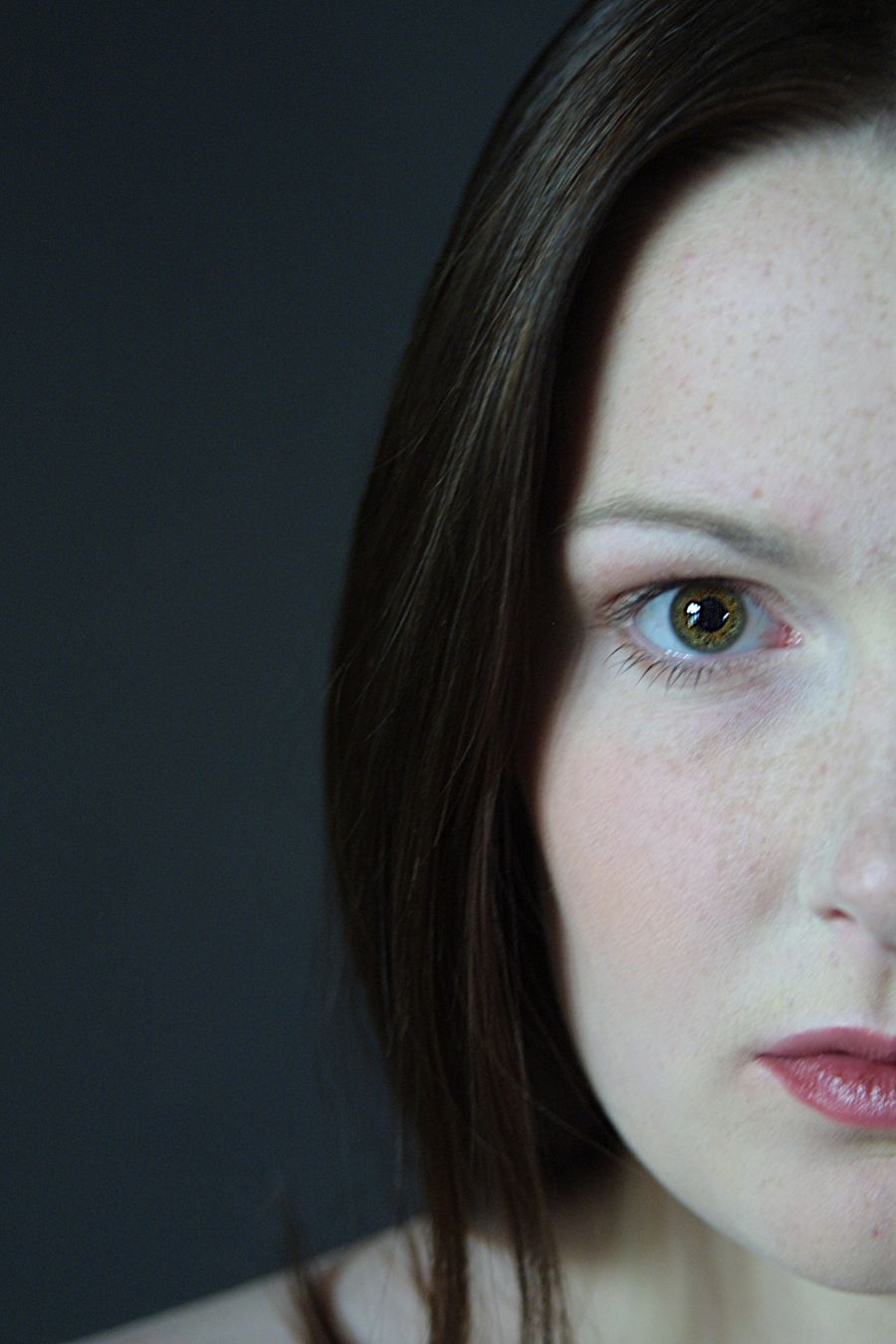
Made in a browser tab, no install — tap Sound to hear the lip sync.
On a phone or a laptop. Nothing to install.
A front-facing portrait and up to 180 characters.
Straight to your camera roll or downloads folder.
Talking photo app vs. a browser tab
Most talking photo apps are free to download and charge by subscription, frequently billed weekly. That model exists because this is a novelty purchase: people make a few clips, lose interest, and forget the renewal. Multiply a weekly price by 52 before you install anything — the yearly number is rarely on the listing.
A browser tool removes both the install and the recurring bill. You open the page, pick one photo, type the line, and download the video. The page never browses your library, there is no background service, and nothing renews. When you want more clips you buy another pack, or you do not.
What you give up is convenience at volume. An installed app remembers your past clips and can pull photos without an upload step, which matters if you produce these daily. If that is you, install one. If you are making a birthday message or a greeting from an old family photo, a tab does the same job.
The output here is a 480p MP4 with lip-synced speech, generated from a front-facing portrait and a script of up to 180 characters — about twelve seconds. Generation usually takes two to five minutes. Four voices are available, credits are valid for a year, and any run that fails returns its credits to your balance automatically.
Frequently asked questions
Do I need to install an app?
No. This page is the tool. It runs on iPhone, Android, Windows and Mac in a normal browser tab, and the finished MP4 saves to your device like any other download.
Why use a browser instead of an app?
Two reasons. Nothing touches your camera roll — you pick one photo and that is all the page ever sees. And the pricing is one-time: a $4.99 credit pack makes 2 talking photos, instead of a weekly subscription that keeps charging after the novelty wears off.
When is an installed app actually better?
If you make these constantly, an app keeps your library and queue in one place and skips the upload step. That is a real advantage. For the two or three clips most people make, it is not worth an install or a recurring charge.
What do I get for $4.99?
The Mini Pack is 50 credits, which is 2 talking photos at 20 credits each, or 5 videos with the other tools at 10 credits each. Credits last a year, there is no subscription, and failed runs are refunded automatically.
Is there a free trial?
The other tools give you one free video with no card. Talking photos need purchased credits because every run pays for both a generated voice and a generated video, so there is no free tier on this one — but the cheapest pack is $4.99 and it is a one-time charge.