AI Live Photo Maker
Make a photo talk
Upload a photo, type a message, and watch it speak — lip-synced and lifelike. Perfect for greetings, avatars and fun.
Made with this tool
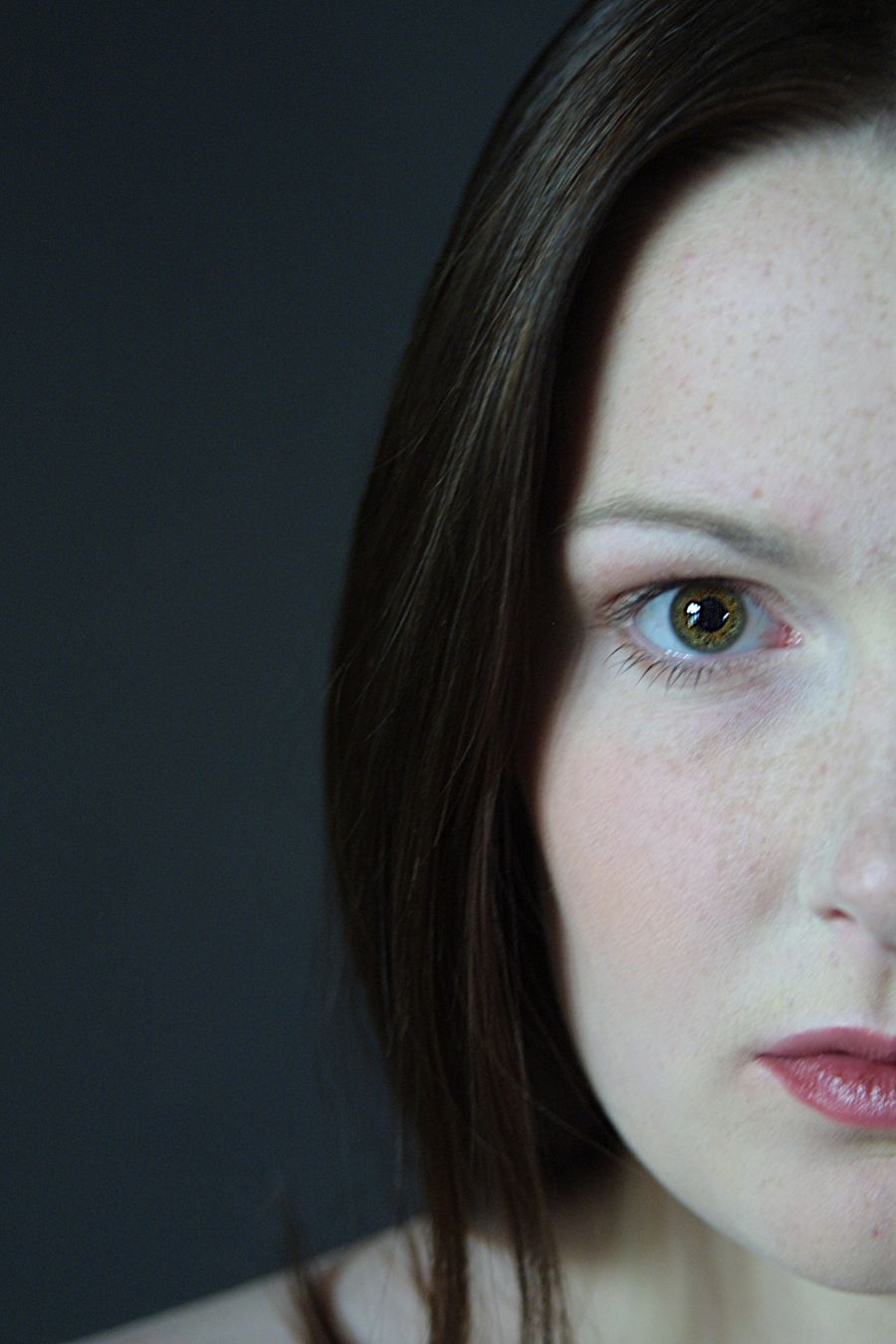
A still portrait speaking a typed message, lip-synced — made with this tool. Tap Sound to hear it.
Choose a clear front-facing portrait.
Type the words the photo should say.
Get your talking video in a few minutes.
Make a photo talk with AI
LivePhotoNow is a talking photo AI: upload a portrait, type a short message, and the AI generates a voice and lip-syncs the mouth to the words, so your photo appears to speak. It runs in your browser with no app to install, and you download a clean, watermark-free video.
A talking photo makes any message more personal — a birthday or holiday greeting, a talking avatar, a fun clip, or a teaching character that speaks. A clear, front-facing portrait with the full face visible gives the cleanest lip-sync, and good lighting helps.
It works on iPhone, Android, Windows and Mac. Make a picture talk, download the MP4, and share it anywhere. Credit packs start at $4.99, with no subscription.
Frequently asked questions
How does a talking photo work?
You upload a portrait and type a short script. The AI generates a voice and lip-syncs the mouth to the words, so the photo appears to speak.
What photo works best?
A clear, front-facing portrait with the full face visible gives the cleanest lip-sync. Good lighting helps.
Is it free?
Talking photos use purchased credits, because each one pays for both a generated voice and a video. Credit packs start at $4.99 with no subscription, and failed runs are refunded automatically. Your free video works on the other tools.
How much does it cost, and how many talking photos do I get?
Each talking photo uses 20 credits. Packs are paid once with no subscription: $4.99 for 2 talking photos (first purchase only), $9.90 for 6 talking photos, $24.90 for 17 talking photos, or $69.90 for 55 talking photos. Pack credits stay valid for a full year.
How long can the video be?
Up to 180 characters of script, which is about 15 seconds of speech. A short greeting or one or two sentences works best.
How long does it take?
Usually 2 to 6 minutes, because the voice is generated first and then the lips are synced to it. You can leave the page — we email you when the video is ready.
Can I use my own voice?
Not yet. You choose one of four AI voices: two female (clear, youthful) and two male (upbeat, calm).
Which languages does it speak?
The voice reads the script in the language you type it in. English is what we test most, so for another language try a short line first.
Is there a watermark, and what do I download?
No watermark. You download an MP4 video you can share anywhere or send in a message.
What if it fails?
A failed run gives its credits back automatically, and the site retries on its own first when the AI service has a hiccup. The AI safety filter refuses some photos, such as nudity; one adult facing the camera works best.
What can I use it for?
Birthday greetings, talking avatars, fun messages, teaching characters — anything where a speaking photo makes it more personal.